
Update: Salesforce Person Account Sync
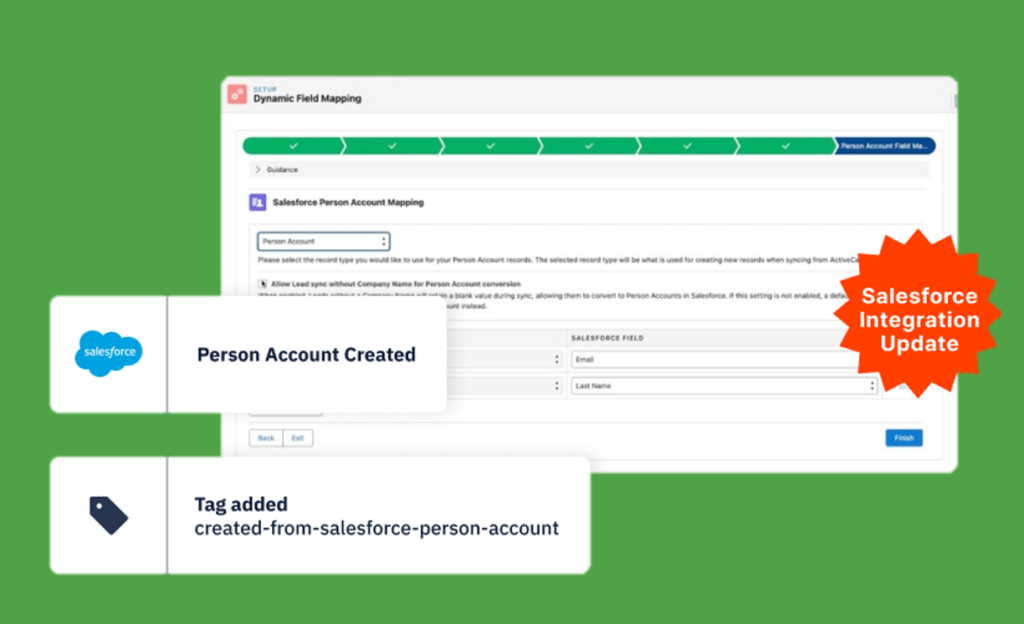
We are excited to announce an update to the Salesforce integration. This enhancement makes it possible to sync Salesforce Person Accounts with your eduCRM contacts.
New Message Performance in Automations
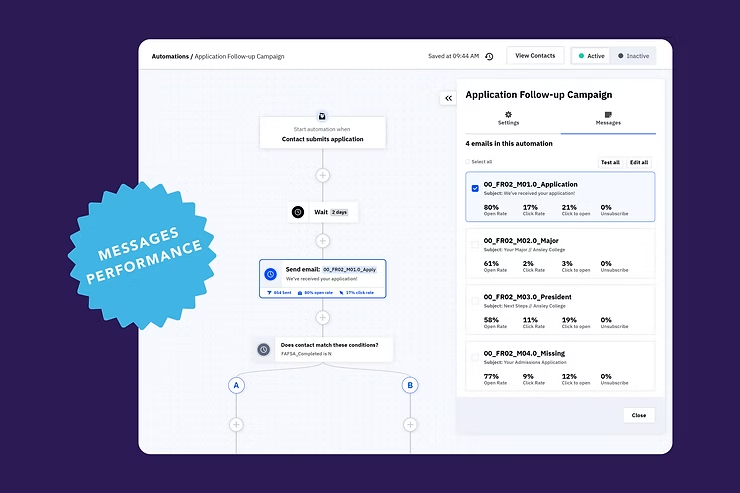
We’re excited to announce the introduction of Messaging Performance, a groundbreaking approach to analyzing and optimizing your email messages within automations.
New Automation Settings: Descriptions
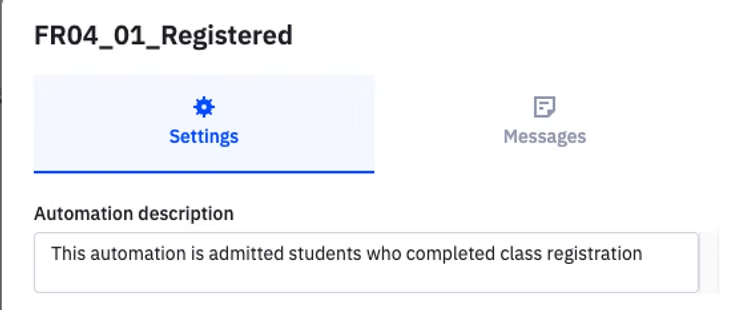
We are introducing several new updates to the CRM’s automation settings for managing key automation rules. This update will provide you with greater control over how contacts enter, move through, and exit automations, making it easier to optimize your workflows.
New Reporting: Contacts Performance

The new Contacts Performance Report offers aggregated data on contacts and insights into the tags, or sources applied to them.
TikTok Ads Integration

We are thrilled to announce the release of the TikTok Ads Integration with eduCRM. This new integration improves our product’s functionality by providing users with automatic lead syncing and nurturing from TikTok Ads Instant Forms to eduCRM contacts.
Streamlining College Enrollment Campaigns with AI Technology

In the competitive field of college admissions, where effective communication and maintaining a consistent brand image are critical, enrollment professionals are always looking for more efficient ways to reach prospective students. The eduCRM AI Campaign Builder introduces a practical solution that simplifies the process of creating personalized email campaigns.
Enhancing Student Recruitment with WhatsApp Integration: A Guide for College Admission Professionals

Higher education institutions must consistently update their communication strategies to connect with students globally in today’s digital landscape. For college admission professionals, a strong enrollment marketing automation strategy is essential. WhatsApp, integrated with Spoki and eduCRM, offers an unparalleled opportunity to maximize the effectiveness of this popular messaging app in reaching prospective students.
Simplify Your Recruitment Process: How eduCRM and Calendly Work Together
Discover how integrating Calendly with eduCRM revolutionizes the way recruiters connect with potential students, making recruitment a seamless and efficient process.
Enhance your Sender Reputation with List-Unsubscribe Header
A new feature, the List-Unsubscribe Header, has been introduced into the eduCRM platform to enhance your institution’s sender repurtation and deliverability. This feature inserts a small portion of code into every eduCRM email. Gmail has the most advanced implementation of the List-Unsubscribe header. If you have a strong reputation with Gmail and your email contains the List-Unsubscribe header, Gmail will prompt a pop-up box asking the user if they’d rather unsubscribe instead of reporting the email as spam. Despite potentially elevating your unsubscribe rate, this header’s benefits far outweigh the drawbacks. It helps maintain your email sender reputation, promotes engagement with your best-fit students, and reduces the risk of your email being classified as spam. While it’s not necessary to manually incorporate the List-Unsubscribe header in your emails (eduCRM takes care of that!), we consistently support our clients in adopting the best deliverability practices for recruitment communications, including: Targeting only engaged prospective students. Customizing content according to a user’s interests. Using real identities, not faceless institutional entities, as the sender. Incorporating varied information using conditional content. Predicting optimal send times for better engagement. Testing clean email designs for effectiveness. Need help? Kickstart your optimized recruitment communications with our Conversation Planning service – turnkey planning, designing, and managing your recruitment communications. Learn more …
Connected Email with eduCRM
With eduCRM, send emails to students across tools, sync your messages, and gain valuable insight into the recruiting process. With our email sync feature, your connected email account “syncs” emails across devices whether you are following up from your mobile device, using a desktop application, such as Outlook, or via a web browser. Email Sync with eduCRM View all interactions with a student—emails you’ve sent or received—in a unified location, allowing staff members to “pick up” the conversation with prospective students. Avoid overlooking crucial emails as you toggle between different work tools. Monitor your recruitment process effectively, as all account users can observe communications via the activity stream. Select your preferred communication method with contacts, using either eduCRM or your campus email. Monitor when your emails are opened and track when links within them are clicked. Set up automatic responses for when a student engages with your email, such as opening it or clicking a link. Gain Valuable Insight with Sentiment Analysis With our “sentiment analysis” feature, you can determine whether an incoming student email is positive, negative, or neutral. Built-in machine learning determines email tone, allowing you to understand the impact of your interactions with prospective students quickly. eduCRM can trigger an alert or follow-up automation if a student’s sentiment changes. Connect your campus email account today and transform how you follow up with students, keeping all of your messages in one convenient place.